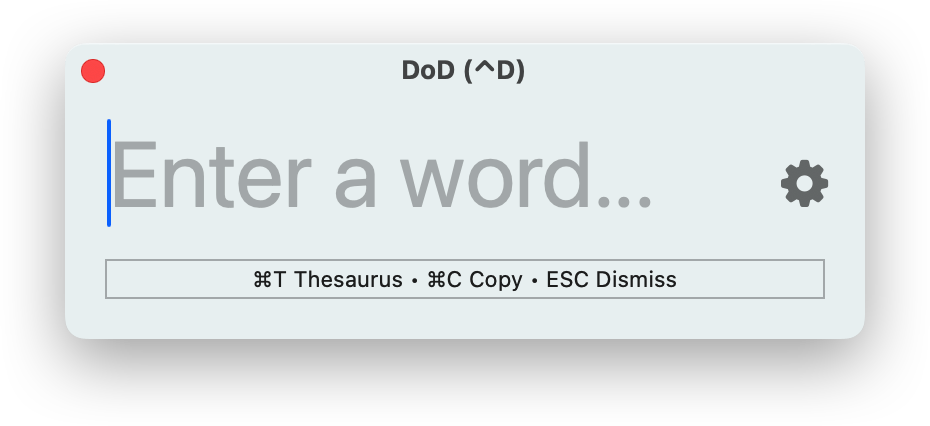
Dictionary At Your Fingertips
Look up words from virtually any app at any time using a global keyboard shortcut
Lag-Free Input
DoD's word lookup engine waits for your fingers to pause before running, keeping typing buttery smooth
Stylish Layouts
Definitions are rendered using clean, beautiful styles; DoD comes with 5 built-in themes and even supports the ability to define custom ones using CSS
Privacy-First Architecture
All lookups are processed 100% locally using your Mac's built-in system dictionaries; absolutely zero telemetry leaves your machine
DoD in Action
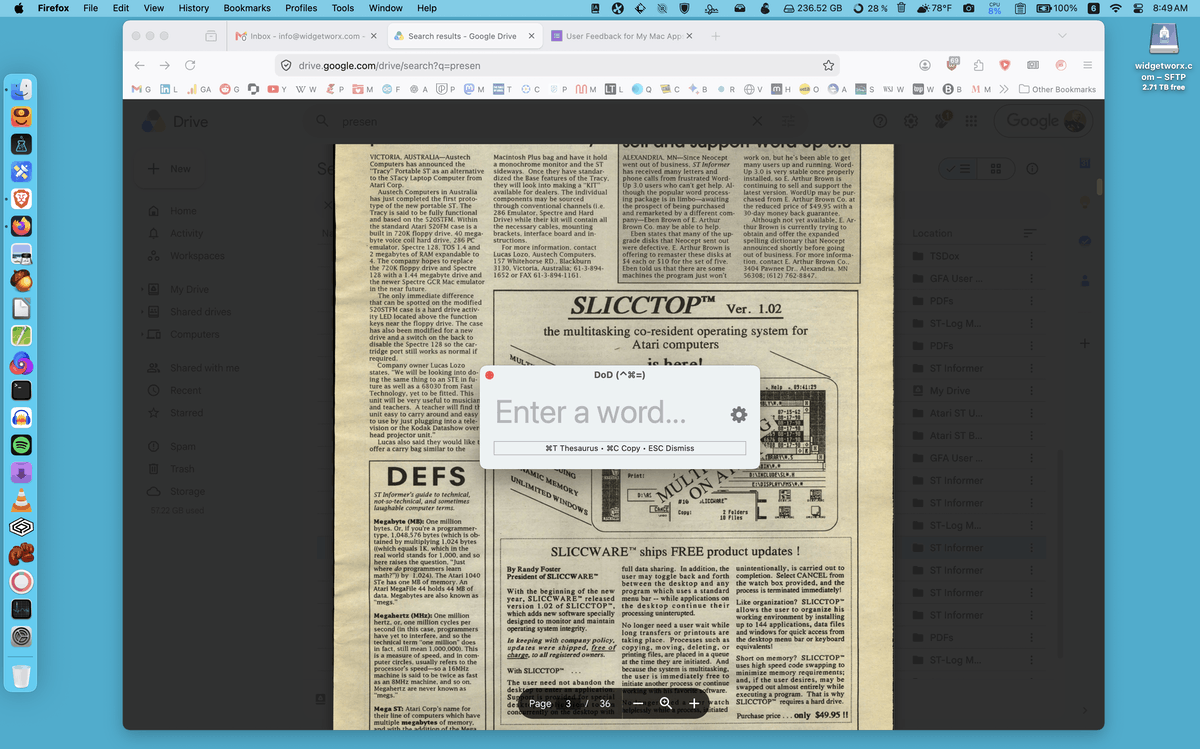
Access DoD from anywhere
Need to get a definition right now? Press your chosen shortcut key and DoD will appear
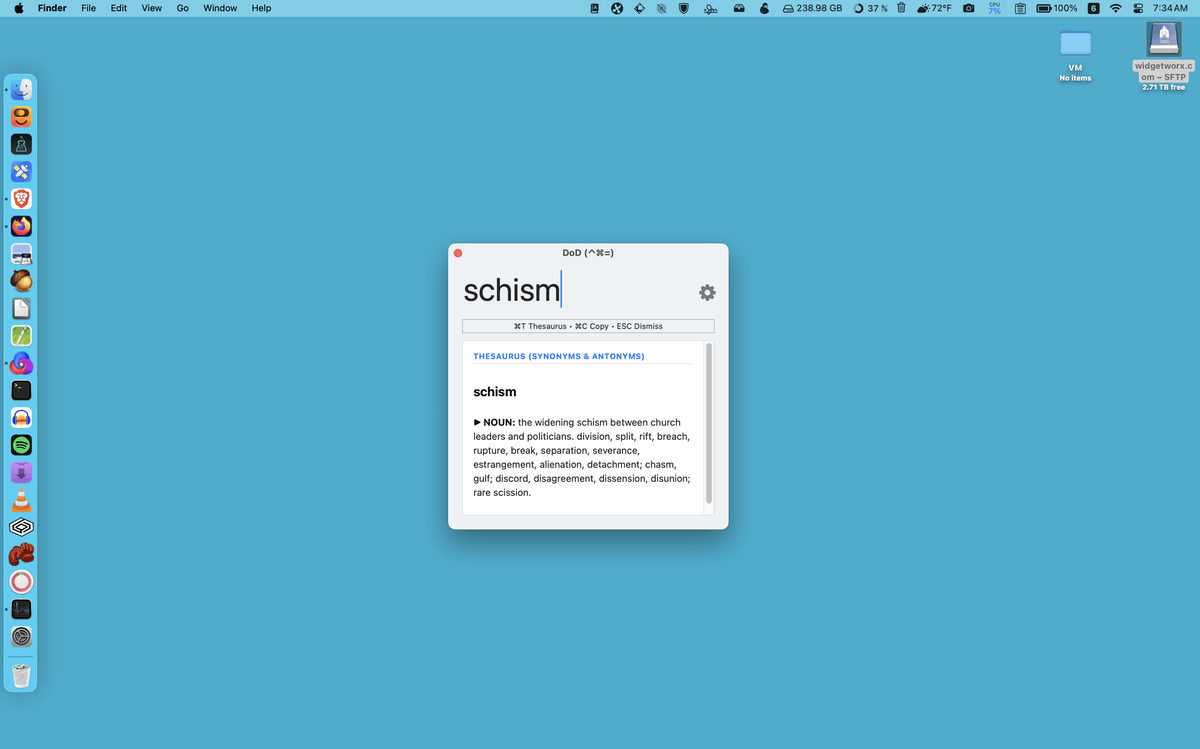
Thesaurus on-demand
Query synonyms and antonyms for your definitions with the press of a key (available for English only)
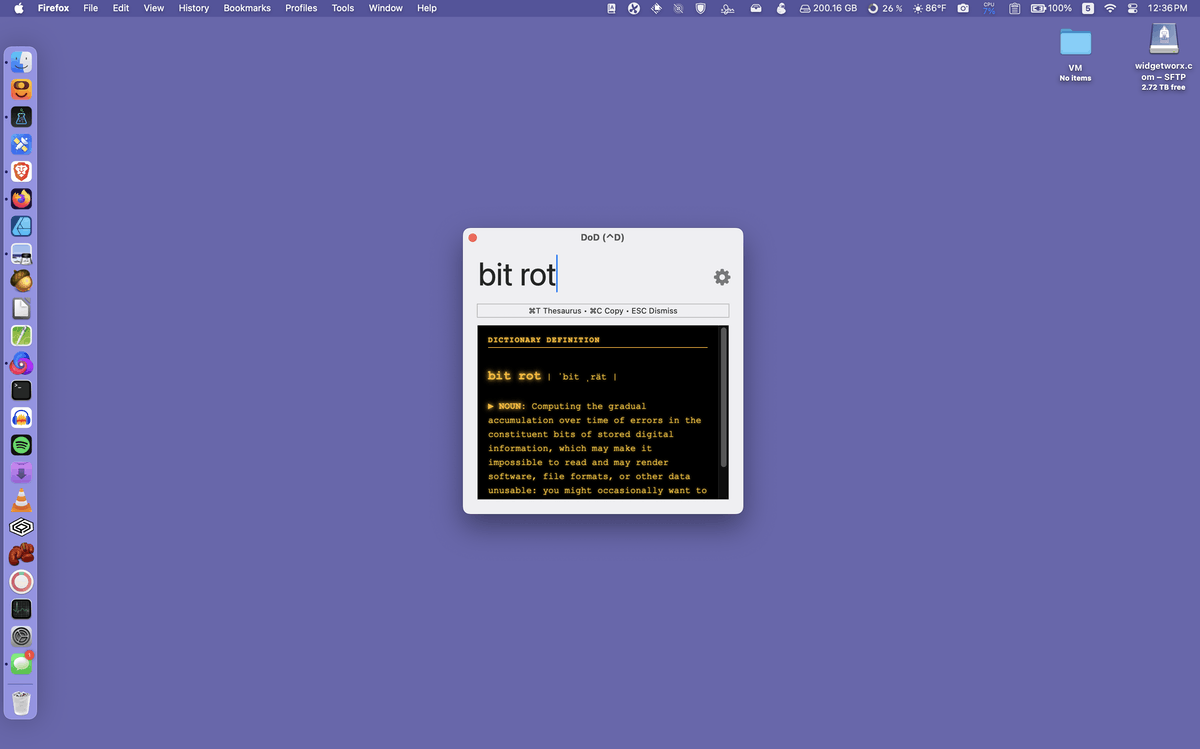
Leverage stylish themes
Choose to view your dictionary results in any of 5 themes or create your own (pictured: VT220 theme)
How DoD Compares
| Feature / Advantage | DoD (Definitions on Demand) | Apple Dictionary (Lookup) | PopClip / Web Search Tools |
|---|---|---|---|
| Core Focus & Workflow | Instant floating pop-up dictionary & word definition lookup | System popover & native Dictionary.app window | Text selection toolbar with web search extensions |
| Access Speed & Interaction | Fast global hotkey & text trigger popup on demand | Three-finger tap / Force Touch / Right-click menu | Contextual menu popup upon highlighting text |
| Distraction & Layout | Compact, clutter-free HUD designed for reading & writing | Requires full Dictionary app for extended searches | Opens external browser tabs for web queries |
| Native App Footprint | Ultra-lightweight native utility with zero background bloat | <Built-in macOS system service | Requires extension ecosystem & web connections |
| Pricing & Licensing | Free Donation-supported | Free (Built-in to macOS) | Paid Commercial (~$19.00) |